CarXtv plays your M3U and Xtream playlists, your own media server and your local videos — on your phone, and on the car display.
CarXtv is a player only — it does not include any channels, shows or movies. You add your own playlists and files; the app simply plays them.
Features
Everything your playlists need to look their best — from the phone in your pocket to the display on your dashboard.
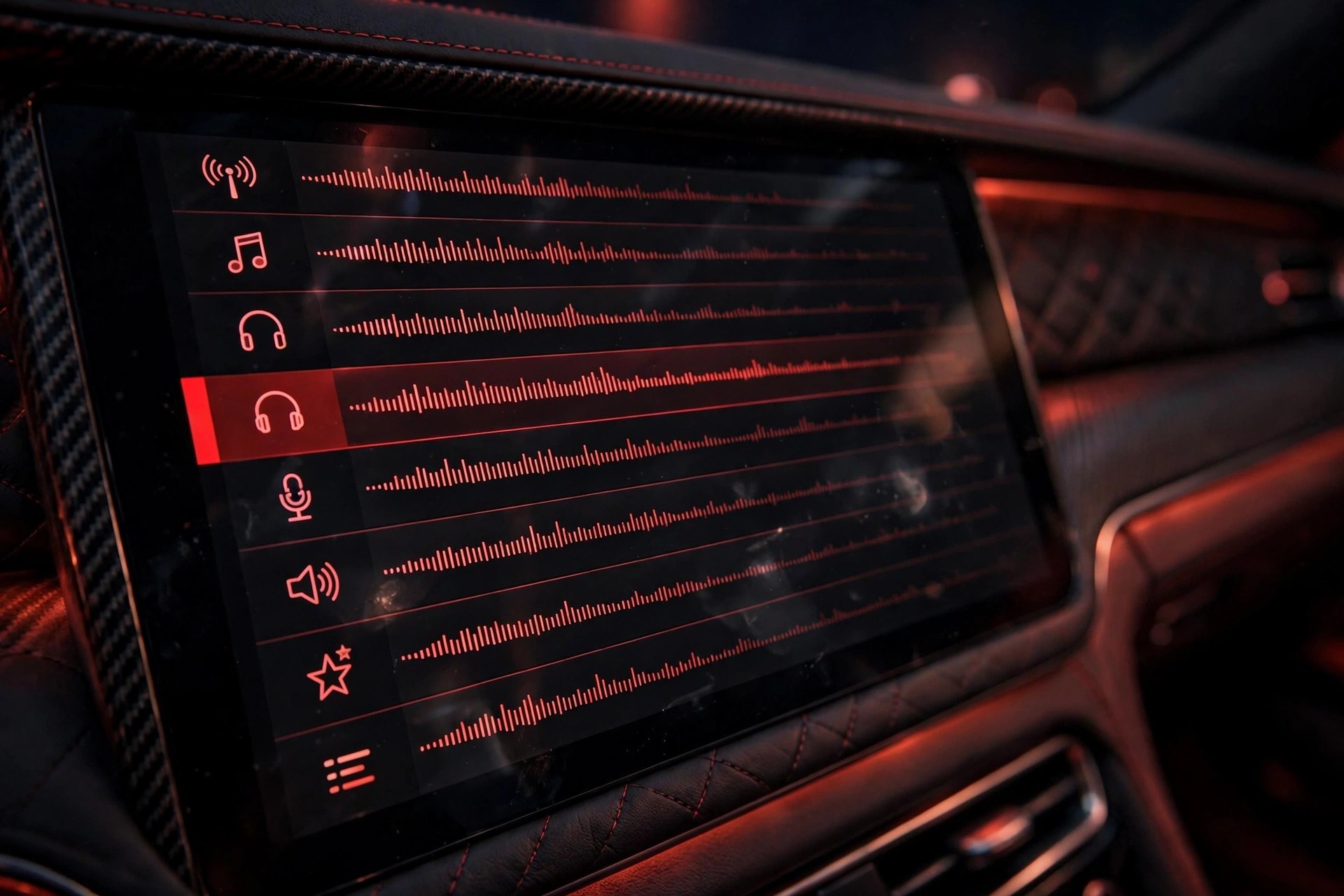
Drop in a playlist link and CarXtv sorts the rest — channel groups, logos and names are recognised on their own, so browsing feels instant.
A built-in program guide shows what is on right now, so you never have to guess when to tune in.
Paste a link or scan a QR code. Groups, logos and channel names from your playlist are detected automatically — add as many playlists as you like.
Sign in with your provider’s server address, username and password and your channels, movies and series appear in one tidy library.
A built-in electronic program guide shows what is playing now and what is coming up next on your playlist channels.
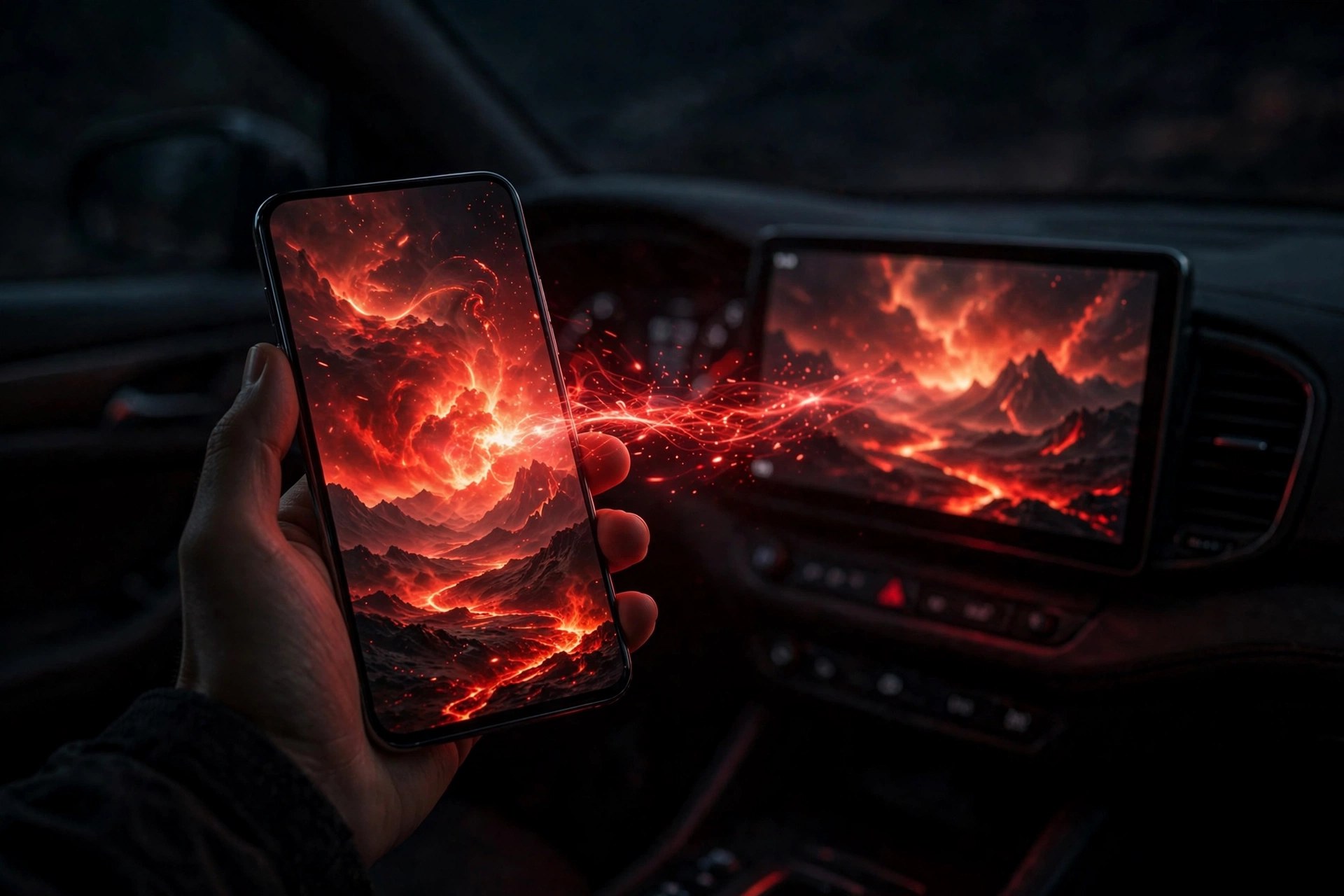
Send what is on your phone straight to the car screen — built for CarPlay, with a landscape car mode and oversized controls.
Put your whole phone screen on the car display. Works with other video apps too — one tap to start.
Connect your own media server. Browse libraries, seasons and episodes, and pick up right where you left off.
Import files from your phone and play them offline — sorted automatically and ready before you leave.
Embedded and external subtitle tracks are supported, so dialogue stays clear wherever you watch.
A mini player keeps playing while you look through the rest of your list. Favourites, groups and search are one tap away.
No account, no sign-in. Your playlists and server details never leave your phone.
Cast to car
CarXtv shows up on the car display, so whatever is playing on your phone can move to the dashboard — for passengers to enjoy.
Paste a playlist link, scan a QR code, sign in to Xtream or connect your media server.
Pair your phone with the car display and open CarXtv in car mode.
Choose a channel or video on the phone — it plays on the dashboard for everyone in the car.
In the car
When the car is parked and the big screen lights up, an ordinary wait turns into time well spent — a film at the rest stop, cartoons for the kids while you charge, the match you saved for the drive home.
Get CarXtv — coming soon
FAQ
No. CarXtv is a player only and ships with no channels, shows or movies. You add your own sources — an M3U playlist link from your provider, an Xtream account, your own Jellyfin or Emby server, or video files from your phone — and the app plays them.
CarXtv plays M3U and M3U8 playlists, Xtream accounts, HLS and standard HTTP video streams, and local video files imported from your phone. Embedded and external subtitles are supported.
CarXtv is coming to both iOS and Android. Your playlists go wherever your phone goes, and settings stay with you on the device you set up.
CarXtv checks your channels in the background. Ones that are temporarily unreachable are set aside so you are not left waiting — they reappear on their own once the source is reachable again.
First, make sure you copied the complete link without missing characters or extra text. Then try opening it in your phone’s browser — if it downloads a playlist file or shows text beginning with #EXTM3U, the link is reachable. If it does not open, the link may have expired — ask your provider for a fresh one.
No. The car display is for passengers only — never watch while driving. Keep your eyes on the road and let passengers enjoy the screen.
Yes. There is no account and no sign-in, and your playlist links, server addresses and files never leave your phone.
CarXtv is coming soon for iOS and Android. This website is the place to check back for the launch.
Download
CarXtv is on its way to the App Store and Google Play. Pick your platform and be ready when it lands.
Playlist player, program guide and car display casting — coming soon to the App Store.
Coming soonPlaylist player, program guide and car display casting — coming soon to Google Play.
Coming soon